How to Register on Qiwa in Saudi Arabia (Step-by-Step Guide for OFWs)
If you are working in Saudi Arabia, having a Qiwa account is extremely important. The platform allows workers and employers to manage employment contracts, check job offers, transfer employment, and access many labor services online.
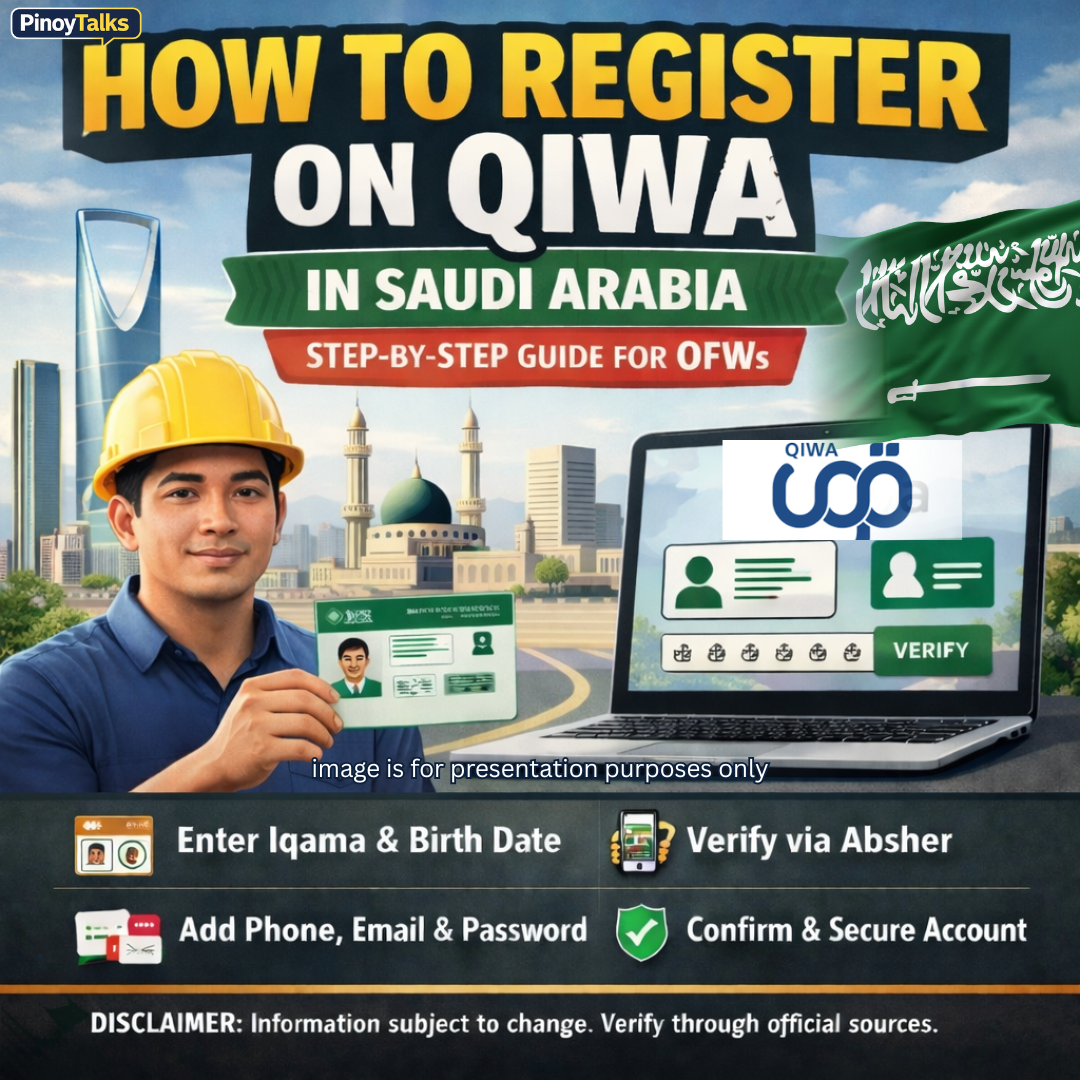
How to Register on Qiwa in Saudi Arabia
For Overseas Filipino Workers (OFWs) and other expatriates, learning how to register and manage a Qiwa account can help you monitor your employment status and access important labor services.
In this guide, we explain how to register on Qiwa, how to log in, reset your password, and update your contact details.
What Is Qiwa?
Qiwa Platform is an official digital platform developed by the Ministry of Human Resources and Social Development.
The platform connects employees, employers, and government services in one system.
Through Qiwa, workers can:
- View and sign employment contracts
- Transfer to another employer (when eligible)
- Submit contract requests
- Access labor-related services
Because of these features, creating a Qiwa account is essential for workers in Saudi Arabia.
How to Register on Qiwa (Step-by-Step)
Follow these steps to create your account.
Step 1: Open the Registration Page
Visit the official Qiwa registration page.
Step 2: Enter Your Identity Details
Provide the following information:
- Iqama number or Saudi National ID
- Date of birth
Step 3: Verify Through Absher
You will need to confirm your identity through
Absher Platform.
A verification request will appear on your mobile phone linked to Absher.
Click Next after completing the authentication.
Step 4: Enter Contact Information
Provide the following details:
- Mobile phone number
- Email address
Then create a password.
Your password must contain:
- Minimum of 10 characters
- At least 1 number
- At least 1 uppercase letter
- At least 1 lowercase letter
- At least 1 special character
Step 5: Accept the Terms
Agree to the platform’s Terms and Conditions and Privacy Policy.
Then click Send Verification Code.
Step 6: Confirm the Verification Code
Enter the code sent to your mobile phone to complete the registration.
Step 7: Secure Your Account
When logging in for the first time, you will be asked to:
- Verify your email address
- Create security questions
After finishing these steps, your Qiwa account will be fully activated.
If you own or manage a business, your business accounts may automatically appear in your profile.
How to Log in to Qiwa
Once your account is created, follow these steps to log in.
Step 1
Open the Qiwa login page.
Step 2
Enter:
- Iqama or National ID
or
- Email address
Then type your password.
Step 3
Click Log in.
Step 4
Enter the verification code sent to your mobile phone.
After verification, you will be redirected to your Qiwa dashboard.
How to Log in to Qiwa Using Nafath
Another way to access your account is through the Saudi digital identity system.
You can log in using
Nafath Platform.
Steps
- Go to the Qiwa login page
- Click Log in with Nafath
- Enter your Iqama or National ID
- Select Continue with Nafath
- Confirm the login request on your mobile Nafath application
After confirmation, you will be automatically logged in.
How to Reset Your Qiwa Password
If you forget your password, you can easily reset it.
Step-by-Step Process
- Click I forgot my password on the login page
- Enter your Iqama or National ID
- Click Send verification link
- Open the link sent to your mobile phone
- Enter the verification code from Absher
- Create a new password
Your new password must follow the same security rules:
- Minimum 10 characters
- Uppercase letter
- Lowercase letter
- Number
- Special character
After saving the new password, you can log in again.
How to Change Your Password in Qiwa
If you want to update your password while logged in:
- Go to Profile Details
- Click Change Password
- Enter your current password
- Enter the new password
- Click Save
Your password will be updated immediately.
How to Change Your Email Address in Qiwa
To update your email address:
- Go to Profile Details
- Select Edit under Contact Information
- Enter your Iqama or National ID
- Click Send Verification Code
- Enter the code sent to your Absher phone number
- Enter your new email address
- Click Save
A confirmation code will be sent to your new email address.
Enter the code to complete the update.
How to Change Your Mobile Phone Number in Qiwa
Follow these steps:
- Go to Profile Details
- Click Edit under Contact Information
- Enter your Iqama or National ID
- Request the verification code
- Enter the code sent to your Absher phone number
- Enter the new mobile number
- Click Save
Finally, confirm the new number using the verification code sent to the new phone.
How to Change Phone Number Without Logging In
You can still change your phone number during login or password recovery.
Method 1: During Login Verification
- Go to the login page
- Click Change phone number
- Enter your identity number and birth date
- Verify using Absher
- Enter your new phone number
- Confirm the verification code
Method 2: During Password Reset
- Go to the login page
- Select Change phone number during password reset
- Enter your identity details
- Verify using Absher
- Answer your security questions
- Enter your new phone number
- Confirm the code
How to Unlock a Locked Qiwa Account
Your account may become temporarily locked after four incorrect login attempts.
To unlock it:
Step 1
Click Unlock Account on the login page.
Step 2
Choose your preferred verification method:
- Email verification
or
- Absher verification
Step 3
Follow the instructions and enter the verification code.
Once completed, your account will be unlocked and accessible again.
Why OFWs Should Always Check Their Qiwa Account
For OFWs working in Saudi Arabia, the Qiwa platform is a critical tool. By regularly checking your account, you can:
- Monitor your employment contract
- Verify employer actions
- Track job offers or transfers
- Avoid labor issues
Understanding how to register and manage your account helps protect your rights as a worker.
Frequently Asked Questions (FAQ)
1. Is Qiwa registration required for OFWs in Saudi Arabia?
Most workers in Saudi Arabia need a Qiwa account to access employment services and view contracts.
2. Can I register on Qiwa without Absher?
No. Absher verification is required to confirm your identity.
3. What should I do if I forgot my Qiwa password?
Use the Forgot Password option on the login page and follow the verification steps.
4. Why is my Qiwa account locked?
Accounts are usually locked after four failed login attempts.
5. Can I change my phone number in Qiwa?
Yes. You can update your phone number in Profile Details or during login verification.
6. Can I log in using Nafath instead of password?
Yes. Qiwa allows secure login through the Nafath digital identity system.
7. What password rules does Qiwa require?
Passwords must contain at least 10 characters, including numbers, uppercase and lowercase letters, and special characters.
8. Can I update my email address in Qiwa?
Yes. You can edit it in your profile under Contact Information.
9. What happens after registering on Qiwa?
You will gain access to employment services, contracts, and other labor-related features.
10. Is Qiwa an official Saudi government platform?
Yes. It operates under the Saudi Ministry of Human Resources and Social Development.
⚠️ Disclaimer:
This article is for general information only and is based on publicly available guidance from Saudi labor platforms. Policies and procedures may change, so always verify information through official government portals.